UX/UI Design
Self-service Kiosk Design
I led an end-to-end UX/UI project to redesign the entire in‑store device experience. Project is currently in progress.
Year :
2026
Industry :
Health, Wellness & Longevity
Project Duration :
4 months
The Challenge :
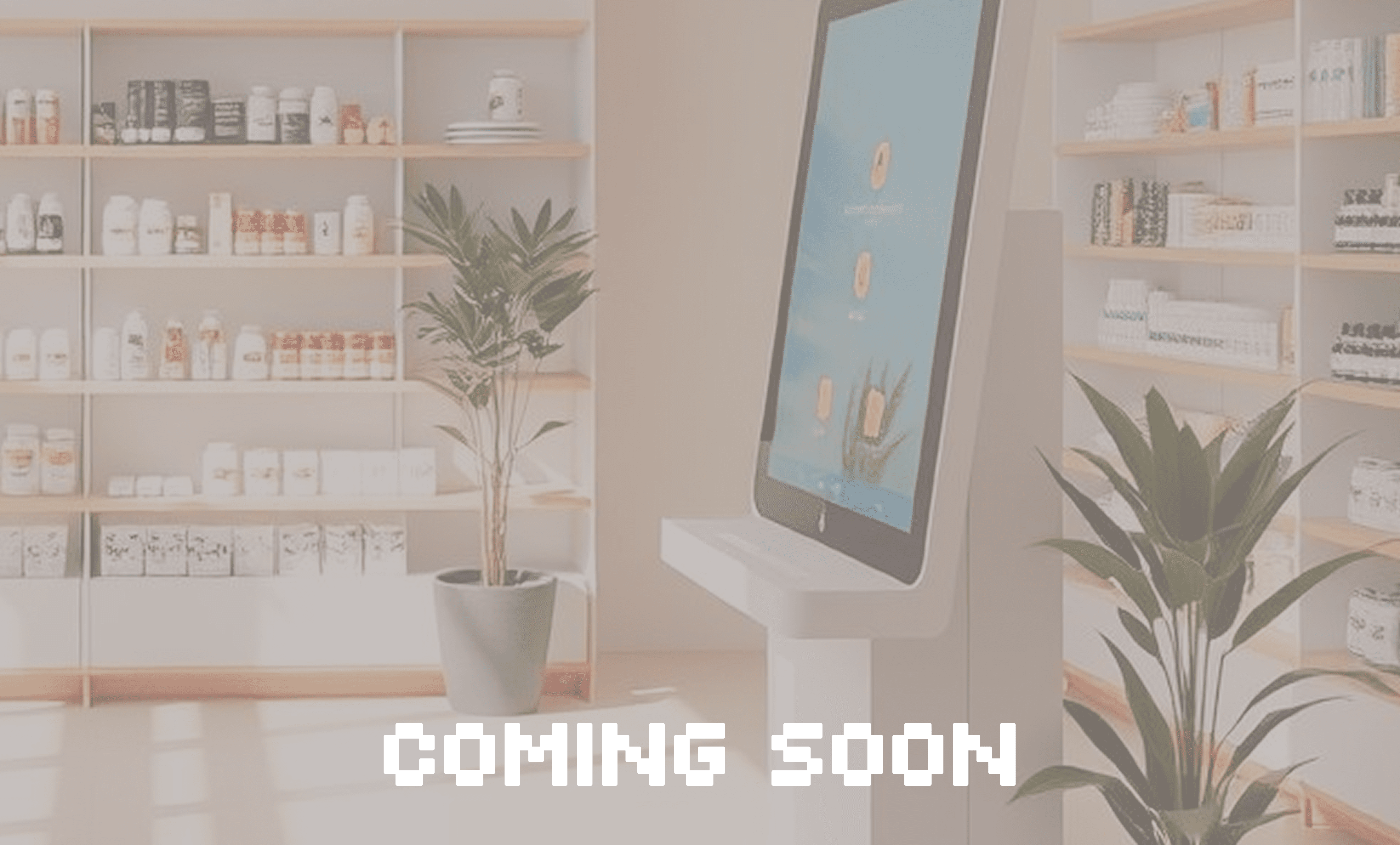
The client’s in-store touchscreen device had inconsistent interactions and a mixed user base: tech‑savvy users who use devices to skip queues, novice users being onboarded solo, and assisted users relying on shop staff. The physical device constraints and business goals (speed, error reduction, staff effort) required balancing accessibility, efficiency, and brand consistency.
Solution :
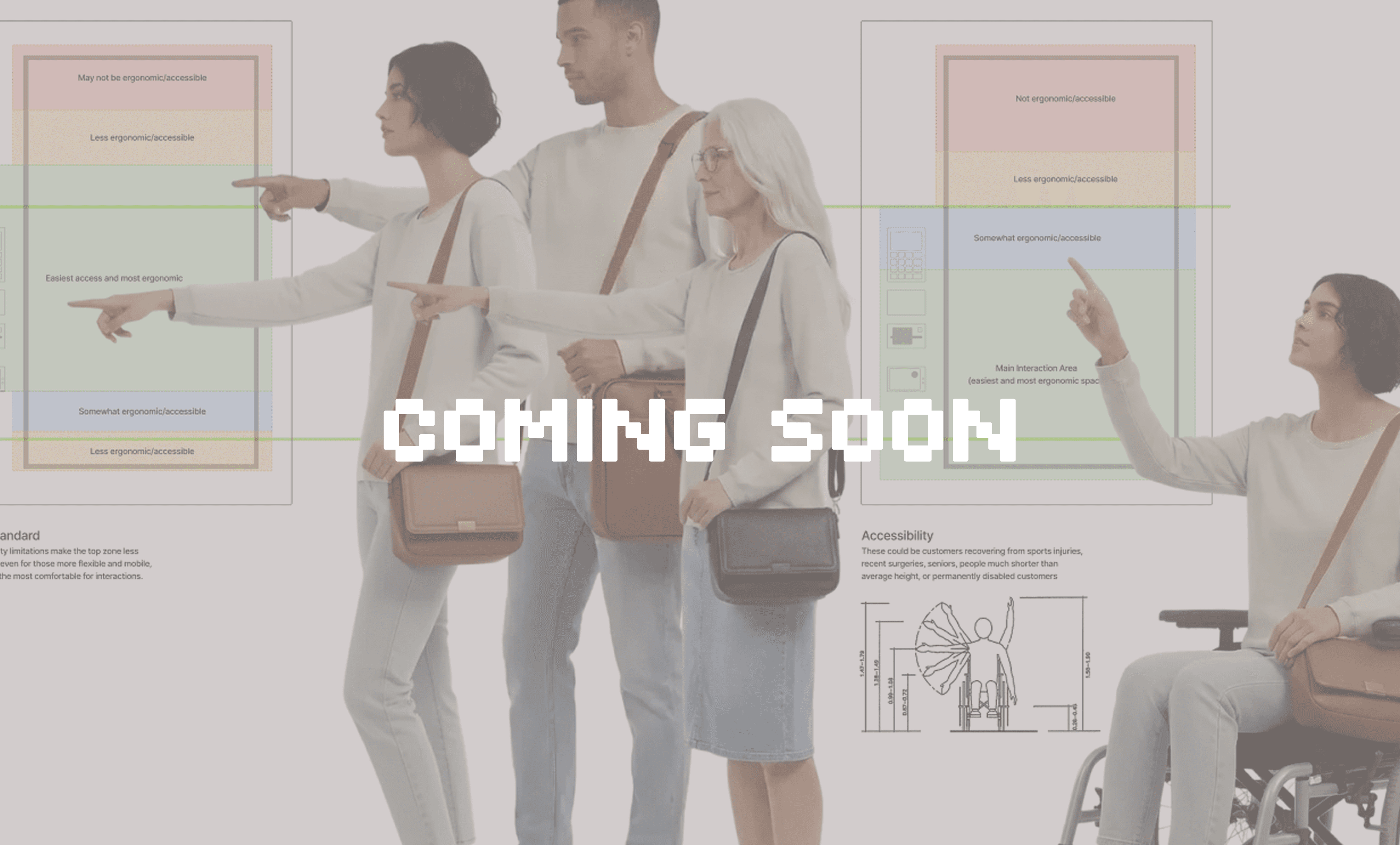
With a new CI, design system, and technology available, a complete re-design will not only improve the experience for customers, but help to meet business goals.
Approach:
My process focused on rapid insight generation and collaborative validation.
Benchmarking & discovery: Audited current device interactions and physical affordances; mapped friction points and opportunities.
Audience framing: Defined user segments (novice solo, assisted onboard, experienced skippers, tech comfortable vs not) to inform interaction choices.
Business alignment: Facilitated stakeholder sessions to surface KPIs (throughput, onboarding success, staff time) and constraints.
Wireframes: Rapid wireframes to steer business discussions and prioritize flows (onboarding, quick‑skip, error recovery, staff assist).
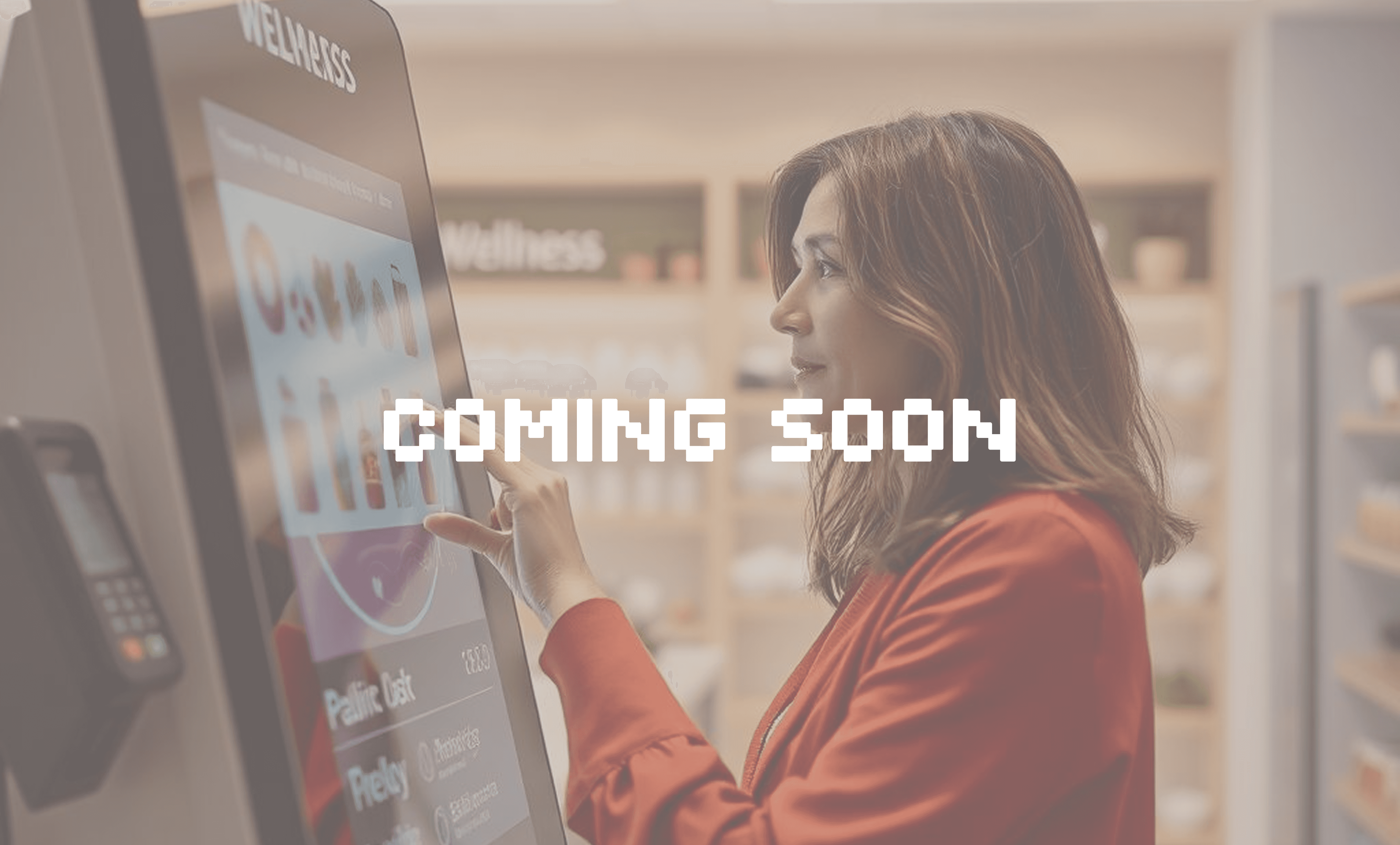
Click‑dummy prototype: Built a realistic, in‑person clickable prototype for onsite testing with real users and shop staff to observe context and physical handling.
Iterate & finalize: Collected feedback from testing, refined flows, and translated designs into final UI using the corporate CI and design system.
MVP definition: Worked with product and business stakeholders to define the minimal set of screens and interactions required for launch.
What I focused on in the design:
Clear entry paths: Distinct flows for assisted onboarding versus quick‑skip use cases.
Physical affordances: Button sizing, tap targets, and on‑device guidance considering gloved hands and varied lighting.
Progressive disclosure: Minimize cognitive load for novices while keeping power actions fast for experienced users.
Error recovery & staff assist modes: Fast rescue paths for shop employees to help a stalled user without disrupting queue flow.
Brand & accessibility: High contrast UI, consistent typography from CI, and screen layouts compatible with existing design system.
Deliverables & Outcomes :
Key Deliverables:
Benchmark report & interaction audit
Core User flows and Wireframes
Click‑dummy prototype for onsite testing
Final UI designs aligned with corporate CI & design system tokens
MVP scope document and prioritization
Testing notes and recommendations for next validation rounds
Outcome & Impact:
TBD (Project in progress)
Takeaways & Next Steps :
Key Learnings:
TBD (Project in progress)
My Recommended Next Steps:
TBD (Project in progress)
More Projects
UX/UI Design
Self-service Kiosk Design
I led an end-to-end UX/UI project to redesign the entire in‑store device experience. Project is currently in progress.
Year :
2026
Industry :
Health, Wellness & Longevity
Project Duration :
4 months
The Challenge :
The client’s in-store touchscreen device had inconsistent interactions and a mixed user base: tech‑savvy users who use devices to skip queues, novice users being onboarded solo, and assisted users relying on shop staff. The physical device constraints and business goals (speed, error reduction, staff effort) required balancing accessibility, efficiency, and brand consistency.
Solution :
With a new CI, design system, and technology available, a complete re-design will not only improve the experience for customers, but help to meet business goals.
Approach:
My process focused on rapid insight generation and collaborative validation.
Benchmarking & discovery: Audited current device interactions and physical affordances; mapped friction points and opportunities.
Audience framing: Defined user segments (novice solo, assisted onboard, experienced skippers, tech comfortable vs not) to inform interaction choices.
Business alignment: Facilitated stakeholder sessions to surface KPIs (throughput, onboarding success, staff time) and constraints.
Wireframes: Rapid wireframes to steer business discussions and prioritize flows (onboarding, quick‑skip, error recovery, staff assist).
Click‑dummy prototype: Built a realistic, in‑person clickable prototype for onsite testing with real users and shop staff to observe context and physical handling.
Iterate & finalize: Collected feedback from testing, refined flows, and translated designs into final UI using the corporate CI and design system.
MVP definition: Worked with product and business stakeholders to define the minimal set of screens and interactions required for launch.
What I focused on in the design:
Clear entry paths: Distinct flows for assisted onboarding versus quick‑skip use cases.
Physical affordances: Button sizing, tap targets, and on‑device guidance considering gloved hands and varied lighting.
Progressive disclosure: Minimize cognitive load for novices while keeping power actions fast for experienced users.
Error recovery & staff assist modes: Fast rescue paths for shop employees to help a stalled user without disrupting queue flow.
Brand & accessibility: High contrast UI, consistent typography from CI, and screen layouts compatible with existing design system.
Deliverables & Outcomes :
Key Deliverables:
Benchmark report & interaction audit
Core User flows and Wireframes
Click‑dummy prototype for onsite testing
Final UI designs aligned with corporate CI & design system tokens
MVP scope document and prioritization
Testing notes and recommendations for next validation rounds
Outcome & Impact:
TBD (Project in progress)
Takeaways & Next Steps :
Key Learnings:
TBD (Project in progress)
My Recommended Next Steps:
TBD (Project in progress)
More Projects
UX/UI Design
Self-service Kiosk Design
I led an end-to-end UX/UI project to redesign the entire in‑store device experience. Project is currently in progress.
Year :
2026
Industry :
Health, Wellness & Longevity
Project Duration :
4 months
The Challenge :
The client’s in-store touchscreen device had inconsistent interactions and a mixed user base: tech‑savvy users who use devices to skip queues, novice users being onboarded solo, and assisted users relying on shop staff. The physical device constraints and business goals (speed, error reduction, staff effort) required balancing accessibility, efficiency, and brand consistency.
Solution :
With a new CI, design system, and technology available, a complete re-design will not only improve the experience for customers, but help to meet business goals.
Approach:
My process focused on rapid insight generation and collaborative validation.
Benchmarking & discovery: Audited current device interactions and physical affordances; mapped friction points and opportunities.
Audience framing: Defined user segments (novice solo, assisted onboard, experienced skippers, tech comfortable vs not) to inform interaction choices.
Business alignment: Facilitated stakeholder sessions to surface KPIs (throughput, onboarding success, staff time) and constraints.
Wireframes: Rapid wireframes to steer business discussions and prioritize flows (onboarding, quick‑skip, error recovery, staff assist).
Click‑dummy prototype: Built a realistic, in‑person clickable prototype for onsite testing with real users and shop staff to observe context and physical handling.
Iterate & finalize: Collected feedback from testing, refined flows, and translated designs into final UI using the corporate CI and design system.
MVP definition: Worked with product and business stakeholders to define the minimal set of screens and interactions required for launch.
What I focused on in the design:
Clear entry paths: Distinct flows for assisted onboarding versus quick‑skip use cases.
Physical affordances: Button sizing, tap targets, and on‑device guidance considering gloved hands and varied lighting.
Progressive disclosure: Minimize cognitive load for novices while keeping power actions fast for experienced users.
Error recovery & staff assist modes: Fast rescue paths for shop employees to help a stalled user without disrupting queue flow.
Brand & accessibility: High contrast UI, consistent typography from CI, and screen layouts compatible with existing design system.
Deliverables & Outcomes :
Key Deliverables:
Benchmark report & interaction audit
Core User flows and Wireframes
Click‑dummy prototype for onsite testing
Final UI designs aligned with corporate CI & design system tokens
MVP scope document and prioritization
Testing notes and recommendations for next validation rounds
Outcome & Impact:
TBD (Project in progress)
Takeaways & Next Steps :
Key Learnings:
TBD (Project in progress)
My Recommended Next Steps:
TBD (Project in progress)